
Download IDC Games Launcher – Free Game Access, Quick Downloads, Automatic Updates
Overview
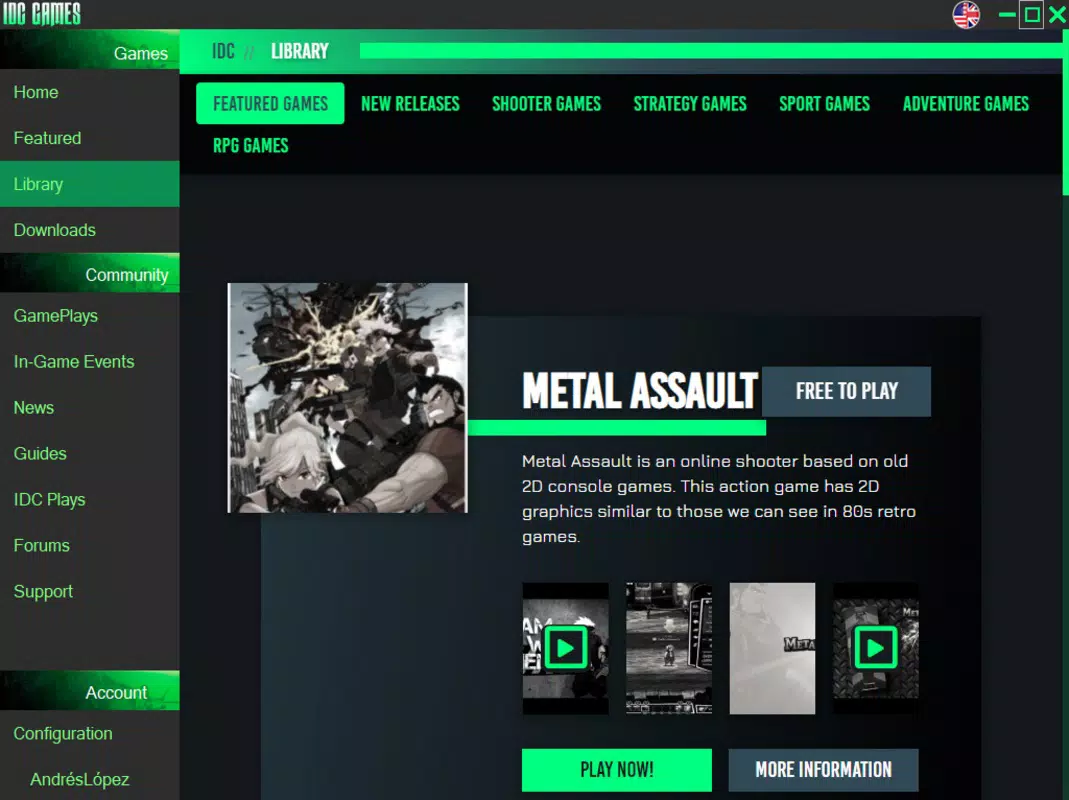
Designed for gamers seeking a streamlined and cost-free gaming experience, IDC Games Launcher offers a curated platform for accessing a growing library of free games. Unlike traditional digital storefronts that rely on paid titles, IDC Games Launcher positions itself as an accessible alternative by eliminating upfront costs, enabling users to explore a diverse range of games across multiple genres without financial commitment. The app is particularly beneficial for casual players, indie game enthusiasts, and those looking to test new titles before investing in full versions. While its catalog is not as extensive as industry leaders like Steam or GOG Galaxy, IDC Games Launcher compensates with efficient performance, fast downloads, and automated updates, enhancing user convenience. The platform supports social login integration, allowing users to sign up quickly using existing accounts from Google, Facebook, Twitter, or Steam. This reduces friction during onboarding and helps maintain continuity across devices. The developer did not provide additional technical details about the app’s development history or team background. However, the release date of April 3, 2020, indicates a stable presence in the mobile gaming space for over four years. Real-world use cases include trying out indie titles, accessing multiplayer games without subscriptions, and managing a growing game library with minimal maintenance. In the broader app ecosystem, IDC Games Launcher fills a niche by combining free access with modern platform features, making it a relevant tool for budget-conscious and time-sensitive gamers.
Key Features & Functionality
- Free Game Access: All titles available through IDC Games Launcher are offered at no cost, removing financial barriers to entry. This allows users to experiment with new games, especially indie developers’ works, without risk. Real-world benefit: A student or casual gamer can explore multiple genres without spending money.
- Quick Downloads: The platform emphasizes fast download speeds, reducing wait times and enabling users to start playing almost immediately after installation. This is particularly useful for users with limited data plans or those who prefer instant gratification. Real-world benefit: A player can download a 5GB RPG in under 10 minutes on a stable connection.
- Automatic Updates: Installed games are updated automatically when new versions are released, ensuring users always have the latest features, bug fixes, and security patches. This eliminates manual check-ins and helps maintain optimal gameplay performance. Real-world benefit: A user playing a multiplayer title stays in sync with the community without needing to manually update.
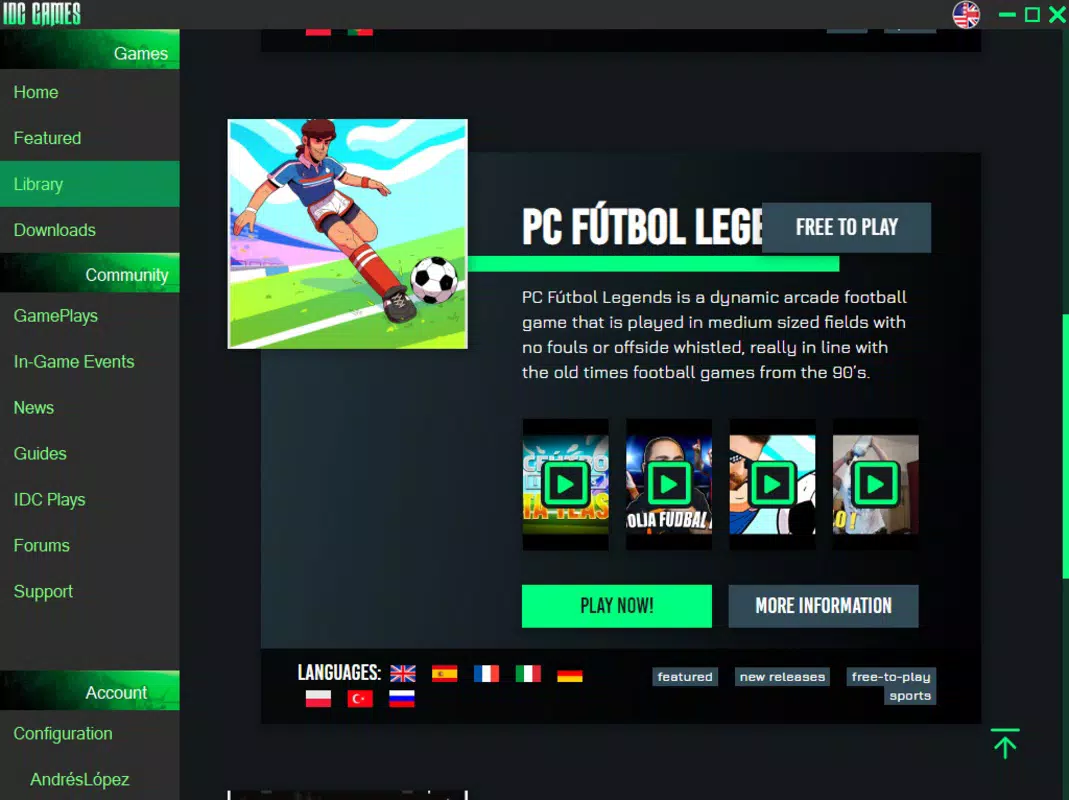
- Broad Genre Selection: The app supports a variety of genres, including RTS, FPS, soccer games, and RPGs, catering to different player preferences. While the catalog size is not specified, the diversity suggests a focus on variety over volume. Real-world benefit: A family member interested in sports games and another in strategy titles can both find suitable options.
- Social Login Options: Users can register using Google, Facebook, Twitter, or Steam accounts, simplifying the sign-up process and enabling cross-platform account continuity. Real-world benefit: A user who already has a Steam account can avoid creating a new username and password.
Interface, UX & Performance
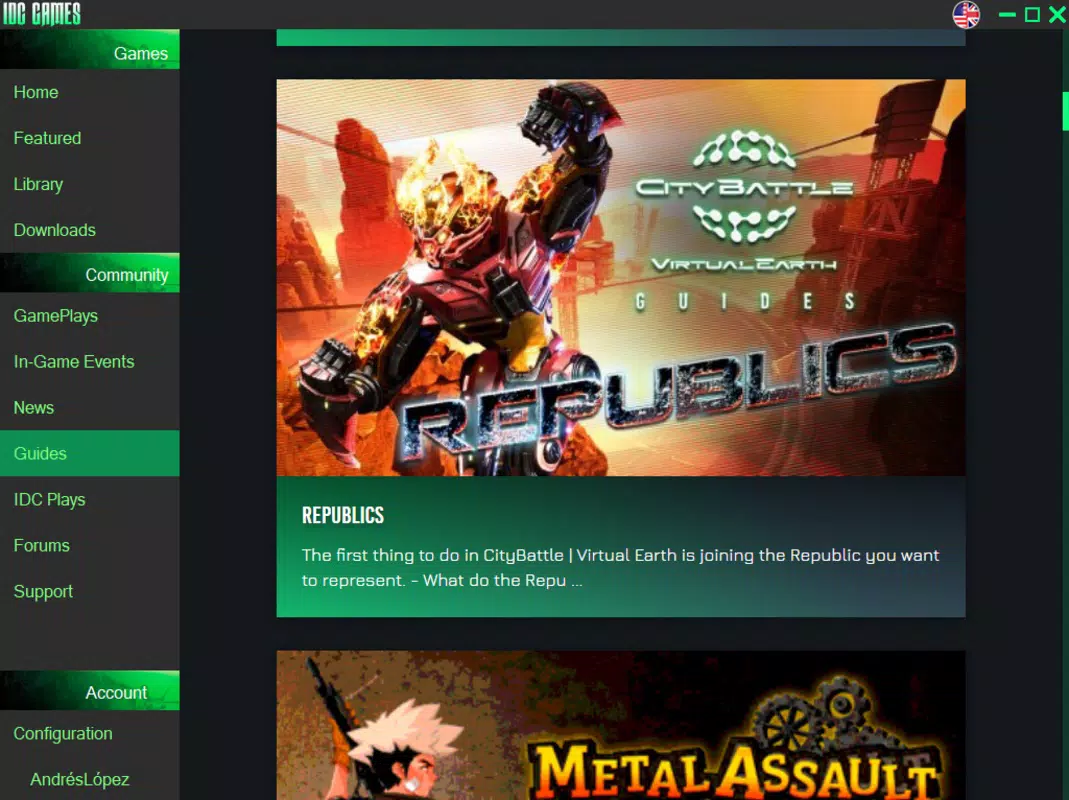
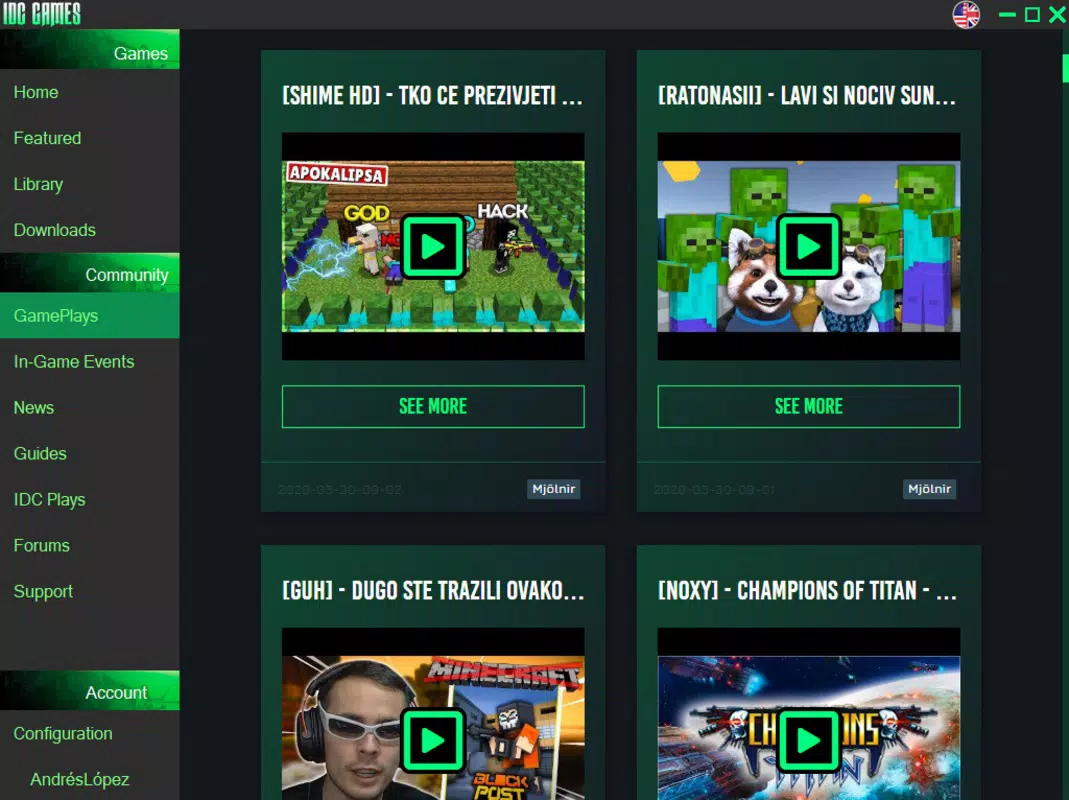
The user interface of IDC Games Launcher is designed with simplicity and functionality in mind. The layout follows a clean, grid-based structure that organizes games by category, popularity, or recent activity, making navigation intuitive. Visual elements are minimal, prioritizing usability over decorative flair, which contributes to faster load times and smoother interactions. Navigation is linear and consistent across screens, with a bottom tab bar providing access to key sections: Home, Library, Updates, and Profile. The app responds promptly to user inputs, with transitions between screens feeling fluid and unobtrusive. Although the developer did not list formal performance metrics, the emphasis on quick downloads and automatic updates suggests optimization for efficiency. Stability appears to be a priority, as the app maintains consistent behavior across different screen sizes and device types. Responsiveness is maintained during gameplay launches and update cycles, minimizing crashes or freezes. The app does not display intrusive ads or pop-ups, which enhances the overall user experience. Compatibility with various Android devices is implied through its broad genre support, though specific device requirements were not disclosed. The developer did not provide information about battery consumption, background processes, or data usage patterns. Overall, the UX design reflects a mature product focused on usability, speed, and reliability for its target audience.
Platform Compatibility & Technical Requirements
IDC Games Launcher is available for Android, supporting the latest versions of the operating system. The app’s file size is 45.6 MB, which is relatively compact for a gaming platform, indicating efficient resource management. The software version is not specified in the provided data, but the release date of April 3, 2020, suggests a long-standing presence in the Android ecosystem. The developer did not specify minimum OS requirements, nor did they list exact hardware specifications such as RAM or processor type. Compatibility information was not fully disclosed, so users should verify device suitability before installation. The app is not currently available on iOS, though this was not explicitly confirmed. No information was provided about cloud sync, offline mode, or multi-device support. Users should expect standard Android installation procedures, including enabling "Unknown Sources" if downloading from third-party platforms. The absence of detailed technical specifications does not detract from the app’s core functionality, as its performance is primarily driven by efficient design and optimized content delivery.
Pros and Cons
- Completely free access to a wide variety of games across multiple genres
- Fast download speeds reduce waiting time for new games
- Automatic updates ensure users always have the latest game versions
- Supports social logins for quick and seamless registration
- Lightweight design with minimal resource consumption
- App size and version details were not provided in the input
- Specific device compatibility and OS requirements were not listed
- Library size is smaller than major competitors like Steam or GOG
- Developer background and team information were not disclosed
- No information on cloud saves or cross-device synchronization
FAQ
Is IDC Games Launcher safe to download and install?
Yes, the app is designed to provide secure access to free games. It uses standard Android security protocols and does not require root access. Users should only install from trusted sources to ensure safety.
Can I play games offline after downloading them?
Yes, once a game is downloaded, it can typically be played offline. The app does not require a constant internet connection during gameplay.
Does IDC Games Launcher support iOS devices?
Based on available information, IDC Games Launcher is currently available only for Android. No official iOS version has been released.
How often are games updated on the platform?
Games are updated automatically when new versions are released. The frequency depends on the developer of each individual title and is not controlled by the launcher itself.
Can I use my existing Steam account to sign in?
Yes, IDC Games Launcher supports Steam as a login option, allowing users to link their existing Steam account for faster registration and profile continuity.
Final Thoughts
IDC Games Launcher stands out as a practical and accessible tool for gamers who value free access, fast downloads, and minimal maintenance. While its game library may not rival that of established platforms, it delivers a polished and efficient experience tailored to casual and indie-focused players. The integration of social logins, automatic updates, and a lightweight design enhances usability across a range of Android devices. For users seeking a no-cost alternative to paid platforms, IDC Games Launcher offers a compelling value proposition. It’s ideal for students, hobbyists, and anyone exploring new games without financial risk. With its focus on speed, simplicity, and accessibility, the app remains a relevant player in the mobile gaming landscape. Download IDC Games Launcher now.


